


From sealed box to first transfer
Ledger.com/start walks Nano S Plus, Nano X and Stax owners through every step.

Unbox

Recovery phrase

First transfer
Your 24-word recovery phrase is generated offline on the device, protected by a Secure Element chip certified CC EAL6+. Then add Ledger Live and send your first transfer.
Your keys, offline
Your device holds the keys, not us

Own your keys
The device keeps your private keys offline.
Your 24-word recovery phrase is generated offline on the device. Its Secure Element chip is certified CC EAL6+.

Ledger Live
One app to manage your whole portfolio.
Supports 5,500+ coins and tokens
Nano S Plus from $79, Nano X $149

Pick a device
Three models, one simple setup guide.
Nano S Plus
Nano X
Ledger Stax
7M+ sold

Latest guides
Fresh setup help for Nano S Plus, Nano X and Stax, published every Tuesday.

Know your device buttons
Learn what each button does before you power on your Ledger.

Prepare your recovery card
Write your 24-word phrase, generated offline, on a blank card.
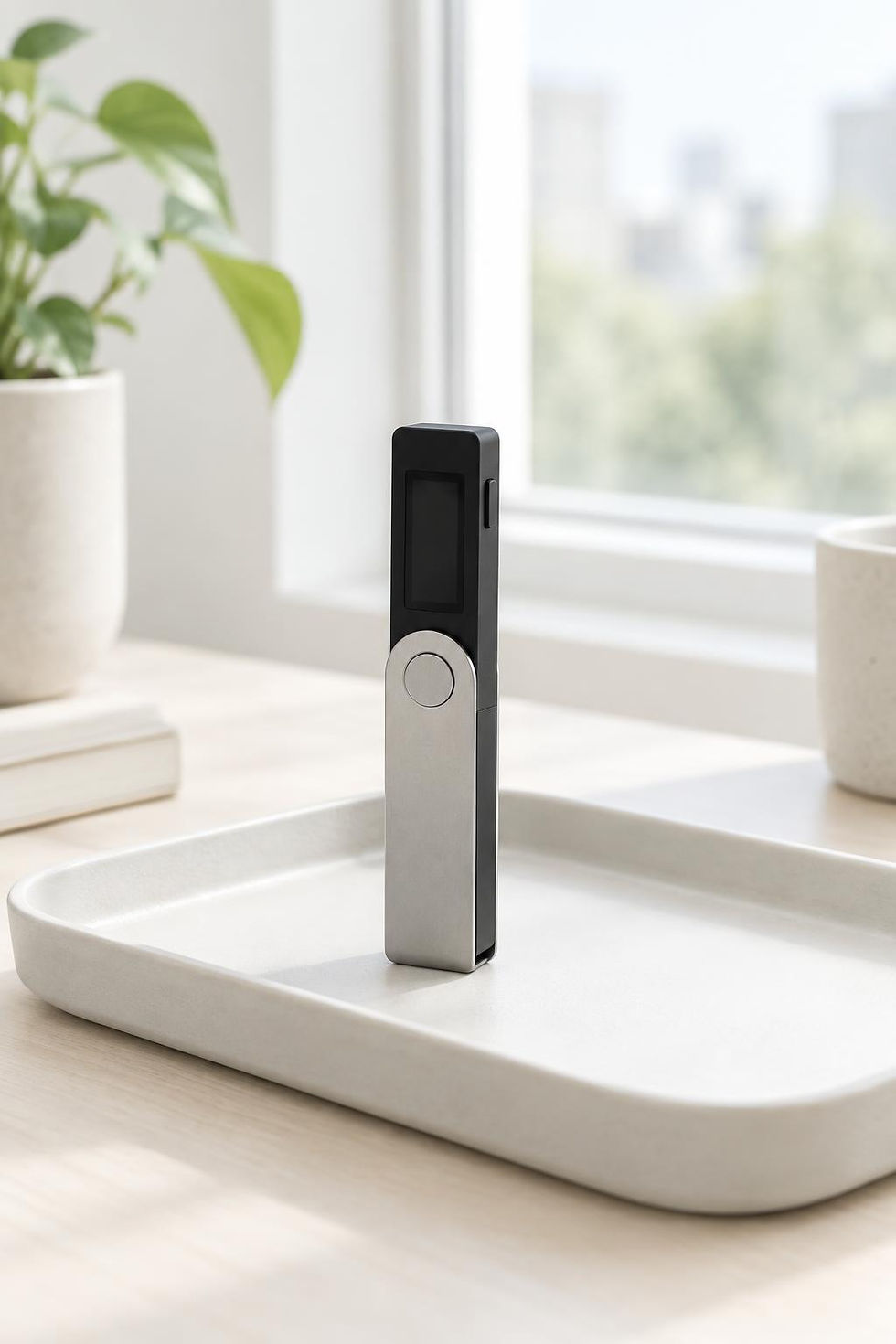
Finish a tidy setup
Store your wallet safely and open Ledger Live for the first time.


“I finished setup in one calm evening.”
My 24-word phrase never touched a website, and I now feel safe holding my own crypto.

Maya Ortiz
Ledger Nano X owner
Readers
